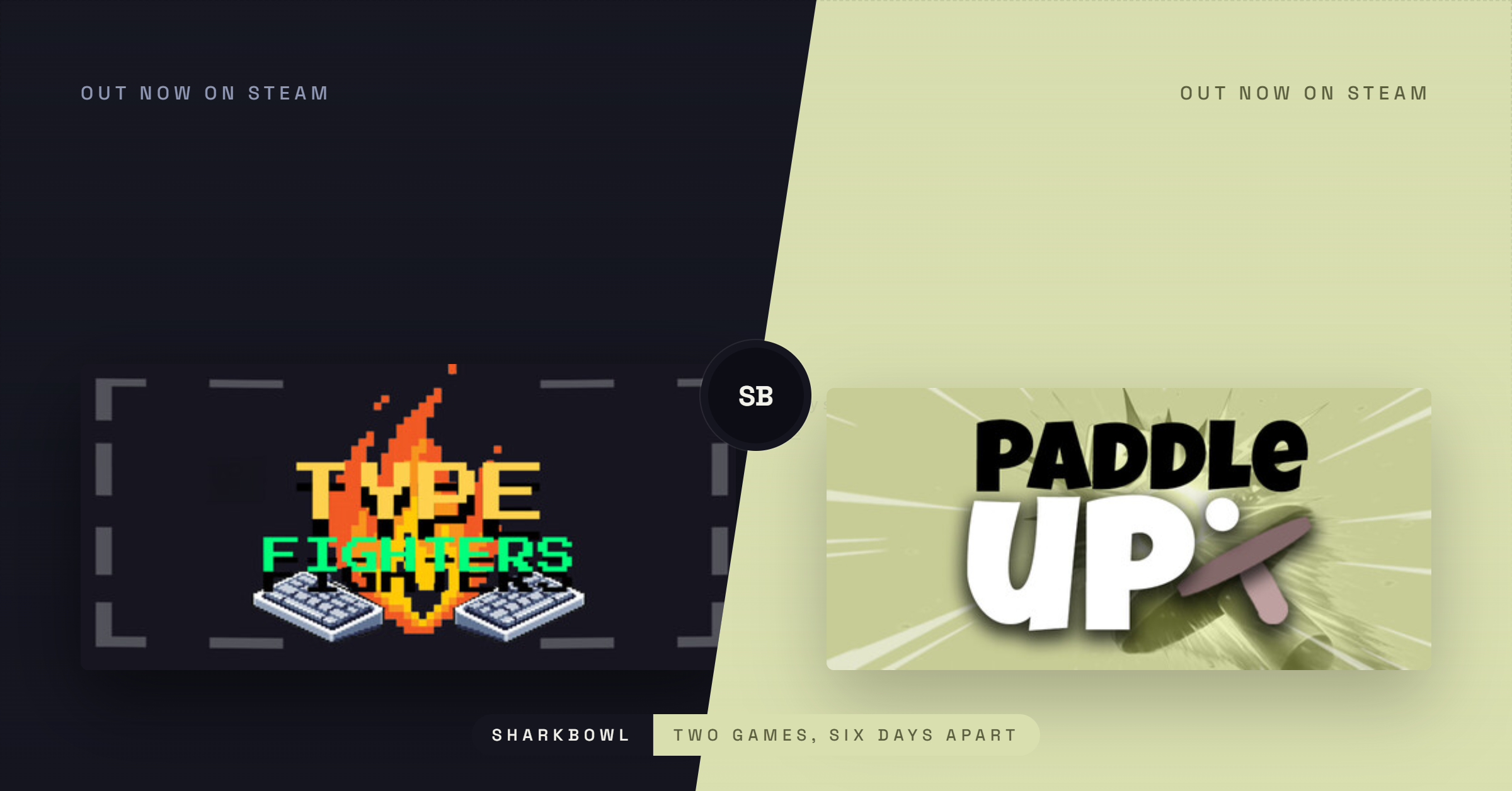
Type Fighters started from a simple, slightly stubborn question: what if typing was the combat system, not just the input method?
This concept explores how typing games could shape gameplay mechanics while keeping the focus on the skill of typing.
Most typing games treat the words as a skill test bolted onto something else. Type the falling word before it hits the ground, type the sentence to unlock the next level. We wanted the words themselves to be the moves. No menu of attacks to click through. No combo chart. You just try a word, and if it’s a real move, something happens. In typing games, the focus is on speed and accuracy as you type, making the words the core actions you perform.

The core bet: discovery over instruction
The riskiest design decision in the whole game is that you never know what the moves are.
You open a battle, you’re told nothing except “type your first move,” and you’re on your own. Type punch — that works, obviously. Type fire punch — also works, and now you’re paying attention. Type boop — it works too, for 1 damage, because I wanted the game to reward curiosity even when the reward is a joke.
That is the whole loop: the game is the vocabulary. There are 177 moves in there now, and the fun is not memorising a wiki; it is the moment a word you try on a whim actually lands. Building for that moment required a few things to be true: this focuses on typing games as a core experience.
- The failure state has to feel free, not punishing. Typing a word that isn’t a move just does nothing — no damage, no penalty, just “try again.” If guessing wrong cost you anything, people would stop guessing, and guessing is the whole game.
- The first guess has to work almost immediately. That’s why The Dojo exists — a 60-second guided fight against a stationary dummy that walks you through
punch,kick, then “type anything,” so your first real discovery happens before you ever meet an opponent who can hurt you back. - You need a way back in when you’re stuck. That’s the hint system — riddles like “a move you can do from the top ropes” (moonsault) that surface when you’ve gone a few turns without a new discovery, or you’re clearly stalling on the clock. It’s there so “I don’t know what to type” never turns into “I’m done playing.”
An unexpected audience: kids, and thinking about words on purpose
We didn’t design Type Fighters as an educational game, but we noticed something we didn’t fully plan for once real people started playing: a handful of the players having the most fun with it were kids, and the thing they were doing was genuinely just thinking about words — turning them over, guessing at synonyms, trying variations of a word that almost worked.
That is worth pausing on. Much of what kids type into games is copy-pasted muscle memory—the same three commands, over and over. Type Fighters asks a different question each turn: what word could plausibly be an attack? It is vocabulary practice wearing a fighting-game costume, and it happened by accident, not by design. We will not oversell it as educational—it is still a game about punching people with words, but it has made me think more deliberately about the discovery loop as something that rewards thinking about language, not just pattern-matching a known list. That is a thread I want to pull on more deliberately going forward, rather than treating it as a happy accident.
The fighting game underneath the typing game
Once the discovery loop was solid, the harder problem was making sure there was actual depth once you’d found the words. A handful of decisions did most of that work:
Type matchups. Fire melts Ice, Ice grounds Thunder, Thunder burns Fire, and Shadow just ignores your shield and hits you anyway. It’s a small triangle, but it means knowing which fire move to type against which opponent matters, not just knowing that fire moves exist.
Cooldowns, specifically to kill heal-spam. Early builds let you just type heal every single turn and grind out any fight through attrition. Cooldowns on healing and shield moves forced players to actually use the rest of their vocabulary instead of camping one safe word.
Signature moves you can steal. Every gym leader has one move nobody else uses — Punch Kid’s million punches, Healer Helen’s miracle. Beat them, and if you ever discover their signature yourself, it’s yours too. It turns “I lost to this leader” into “I learned something from this leader,” which is a much better feeling to leave a loss on.
The Gauntlet’s charge economy. Survival mode gives every move a limited number of uses per run — not unlimited retries of your three favourite words. With 177 moves available, that forces real breadth: you cannot brute-force 50 waves with punch and heal alone. This is also the one system I had to rebalance mid-development — when the move count roughly tripled, the original charge limits made runs trivially easy, so charges dropped to compensate.
Scouting, not just fighting. Every opponent’s move you witness but haven’t learned yourself gets logged. After a loss, you are shown exactly what beat you and haven’t unlocked yet — so even a defeat hands you your next few words to try. The Collections word bank marks these witnessed-but-unlearned moves with a distinct “seen” state, so losing a fight is scouting, not just losing.

Collections word bank — discovered moves in white, witnessed-but-unlearned moves in blue as seen.
The unglamorous part: shipping to Steam
The design work was the fun part. Getting an Electron-wrapped Next.js app through Steam’s actual pipeline was its own project, with two genuinely nasty bugs worth mentioning for anyone else doing this:
The Mac build passed review and then crashed on every real customer machine. Steam’s web uploader doesn’t preserve the symlinks inside an .app bundle’s Frameworks folder, so the depot silently broke the moment it left my machine. Nobody caught it in review because Valve’s own reviewer notes explicitly said they hadn’t tested macOS. The fix was switching to a universal binary (one build for Apple Silicon and Intel, instead of two depots that turned out to both be broken in different ways) and uploading through steamcmd instead of a browser zip.
The Steam Overlay never worked on macOS despite fixing the underlying Electron GPU-process issue that was blocking it. We let that go because Valve’s own review flagged it as non-blocking, and Mac overlay support in Electron apps is inconsistent industry-wide. Knowing when a bug is worth chasing versus worth shipping around was its own lesson.
What’s next for Type Fighters
The game isn’t finished just because it’s launched. Here’s the actual roadmap:
- 2v2 Battle — already scaffolded in the menu as “coming soon.” The biggest open design question is how move discovery works with a partner — shared word bank, or does each player keep their own secrets?
- Steam Cloud saves — badges, discovered moves, and achievements are all local right now. Cross-device sync is a clear gap.
- A Steam demo build, separate from the free web version, specifically to qualify for Steam Next Fest — the single best free-visibility event available to an indie game, and one I didn’t have a build ready for at launch.
- Balance passes from real data, not just my own playtesting — the Gauntlet charge economy in particular deserves a second look once there’s enough real player behaviour to look at.
- More signature moves and leaders, if the core loop keeps earning its keep with the people who do find it.
The game is small, and the numbers reflect that — I’ll get into those honestly next week. But the design held up the way we wanted it to: people who play past the first few minutes seem to actually enjoy hunting for words, which was the entire bet.
Try it yourself
Type Fighters is free to try right now, no download required — the web demo runs in your browser at type-fighters.com. If you want the full 15‑leader roster, The Gauntlet survival mode, and Steam achievements, it’s on Steam for £4.59 / $4.99.
If you play it and find a move worth naming, a bug, or just want to tell me what you typed first — W are around. Follow along for devlogs and what’s next.